Overview
To use iTSS V2 in iCustoms, you need to complete the iTSS V2 Authentication using the Client ID and Secret ID provided through the TSS Trader API.
How to Get Your iTSS V2 API Credentials
- Go to the TSS V2 Portal.
- Sign in using your TSS credentials.
- Go to Profile and Payments.
- Click View Business Profile.
- Select Manage Access to use Trader API.
- Follow the instructions to obtain your Client ID and Secret ID.
- Use these API credentials to complete the authentication in iCustoms.
How to Authenticate in iCustoms
- Click on Settings under Configurations in the sidebar to manage your preferences.
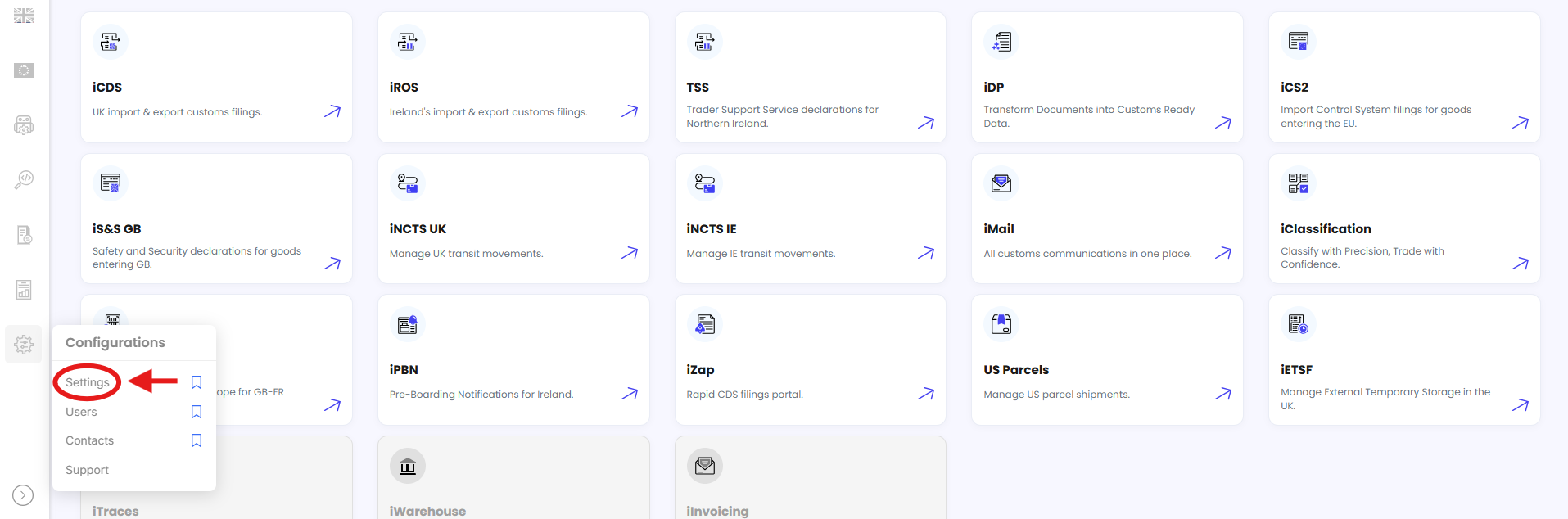
- Click on the Authentications tab to find all user authentication options.

- Click iTSS V2 User Authentication.

- Enter the Client ID provided by TSS.
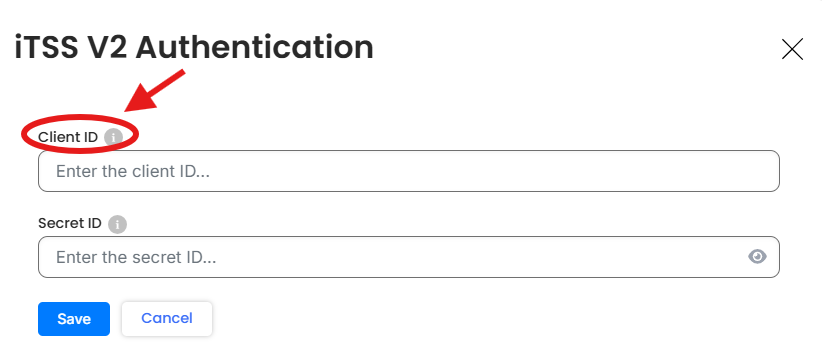
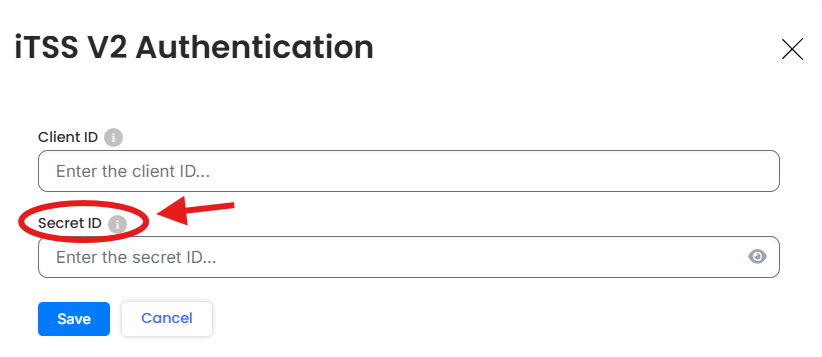
- Enter the Secret ID provided by TSS.
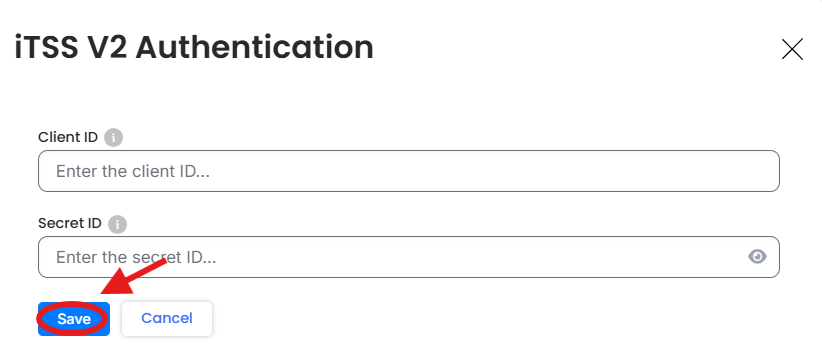
- Click the Save button to save the authentication details.
Note: Make sure you enter the API credentials provided by TSS rather than your regular TSS login credentials.
Need Help?If you have any questions or need assistance with iTSS V2 authentication, contact the iCustoms Support Team: Contact Support Team
Was this article helpful?
That’s Great!
Thank you for your feedback
Sorry! We couldn't be helpful
Thank you for your feedback
Feedback sent
We appreciate your effort and will try to fix the article