Overview
The CDS Badge Code section allows you to add and manage port badges in your iCustoms account. These badges enable you to use the relevant CSP and port when processing declarations.
How to Add a Badge
To add a port badge to your account:
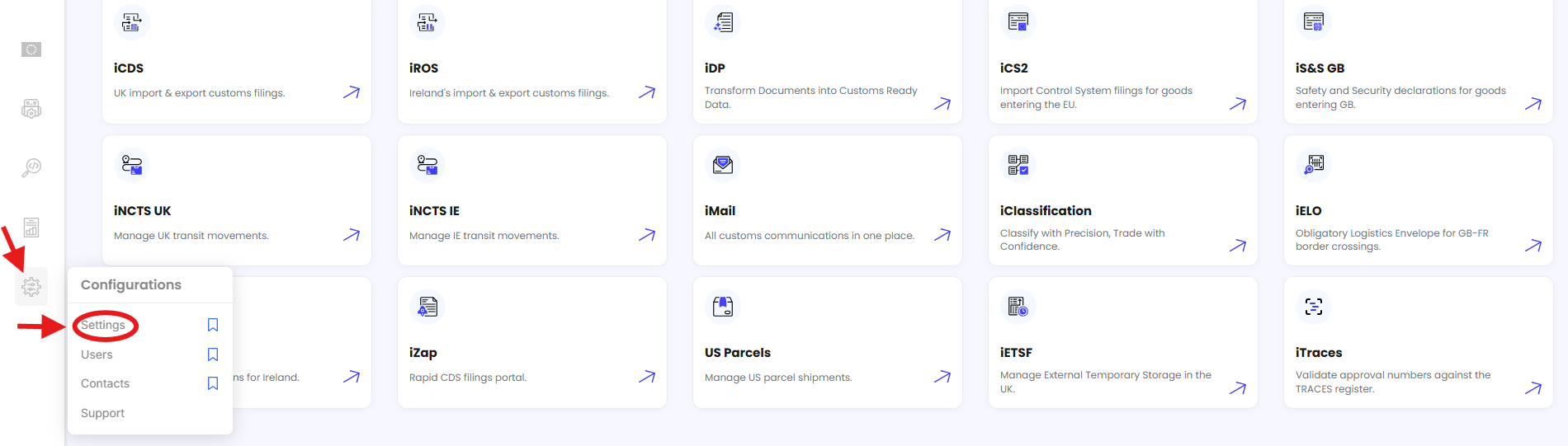
Go to Settings.
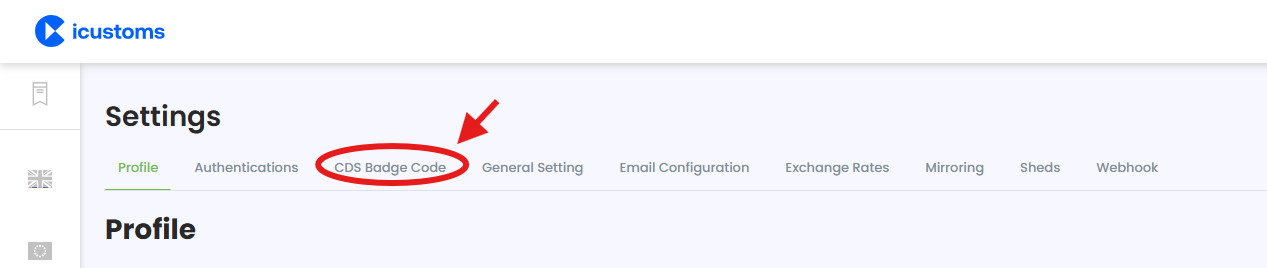
Select the CDS Badge Code tab.
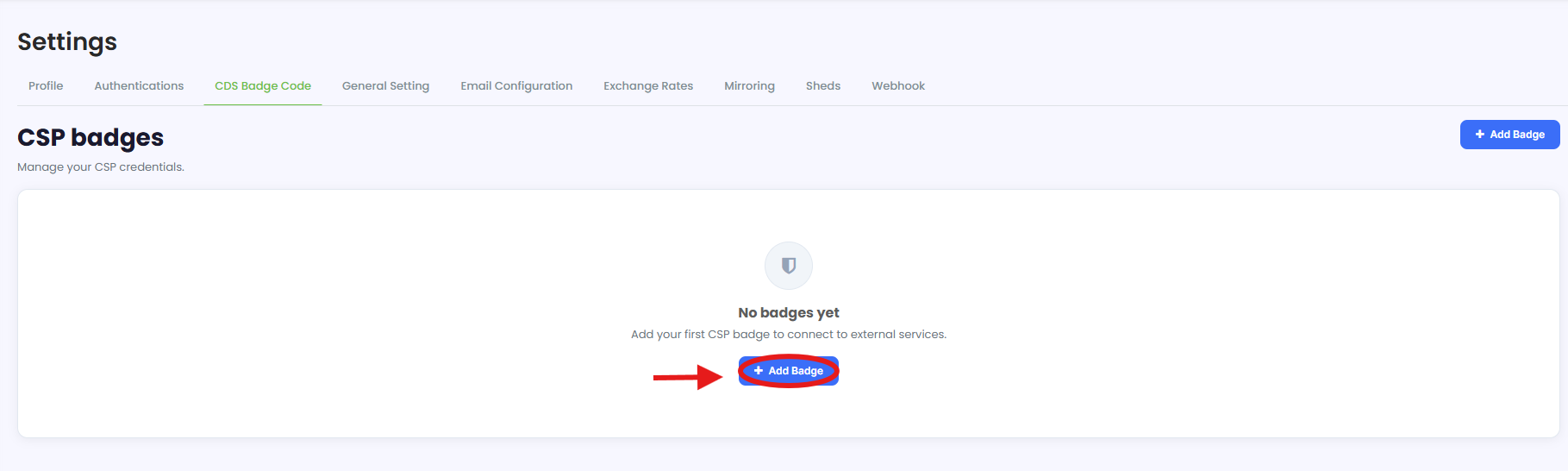
Click Add Badge.
Select the relevant CSP.
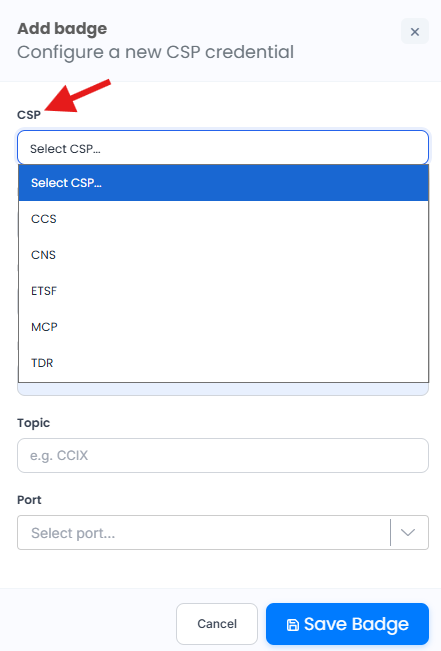
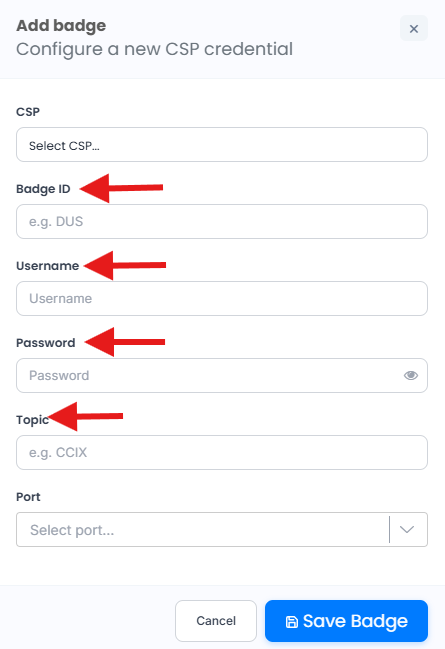
Enter the Badge ID, Username, Password, and Topic. (These details can be obtained from your relevant CSP.)
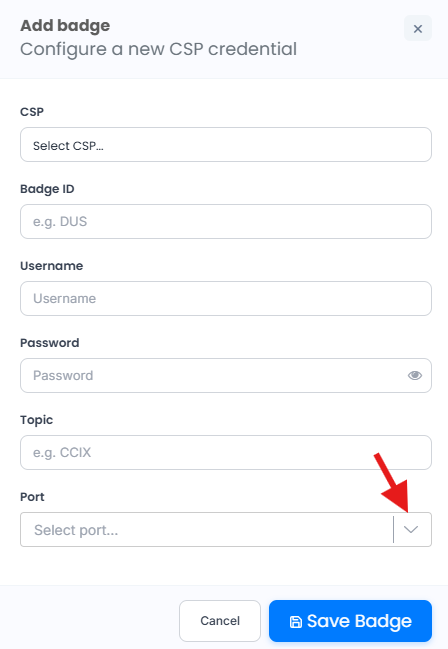
Select the relevant Port.
Click Save Badge.
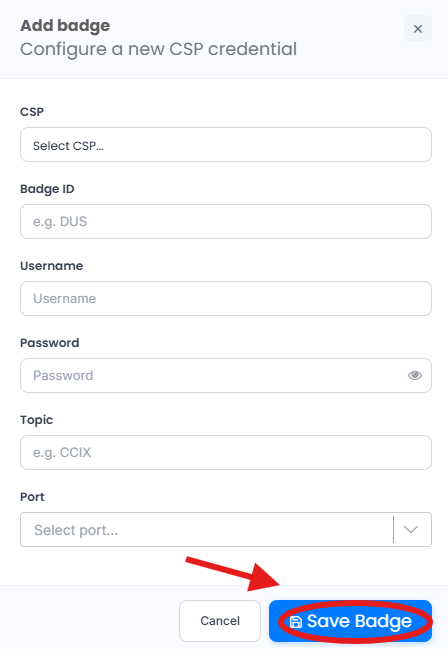
Once saved, the badge will be added to your account.
Need Help?
If you need assistance adding or configuring a port badge, contact the iCustoms Support Team: Contact Support Team
Was this article helpful?
That’s Great!
Thank you for your feedback
Sorry! We couldn't be helpful
Thank you for your feedback
Feedback sent
We appreciate your effort and will try to fix the article