Overview
ICS2 Bulk Upload allows you to create multiple declarations using a single Excel spreadsheet.
Why ?
To use Bulk Upload:
- Select ICS2 Bulk Upload.

- Download the provided template.
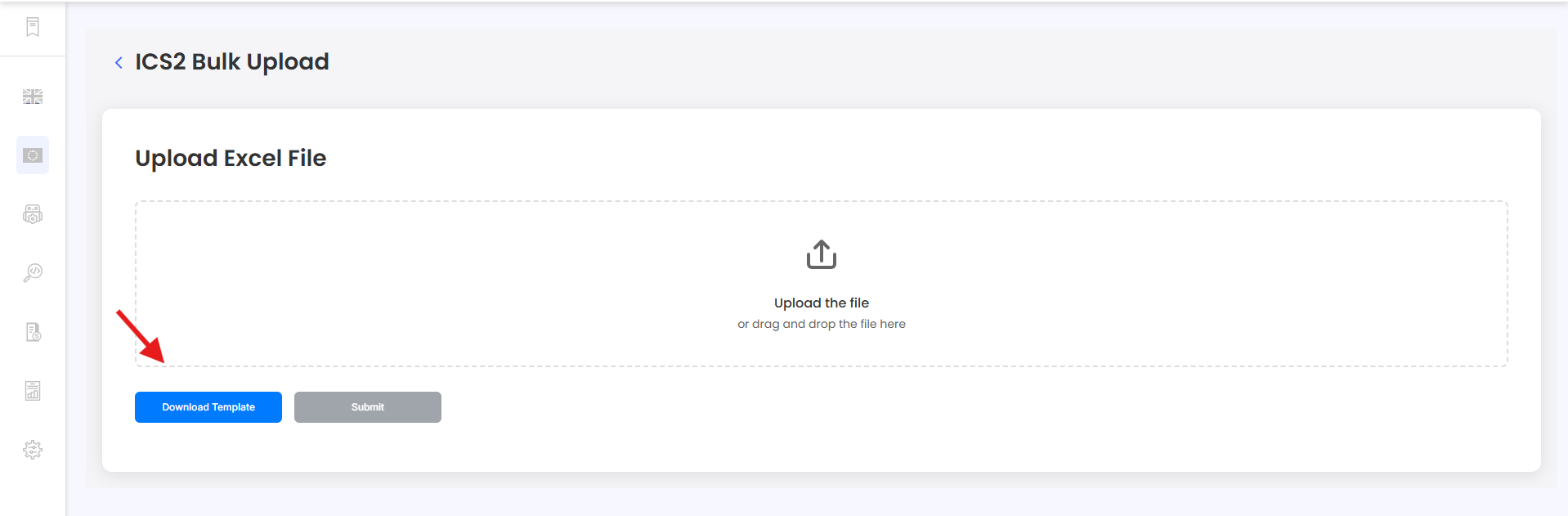
- Complete the spreadsheet.
- Upload the completed Excel file.
- Submit the file.
The spreadsheet contains all three levels:
- G_ – General
- H_ – House
- I_ – Item
Keep the template's column headers exactly as provided.
Need Help?
If you need further assistance, contact the iCustoms Support Team: Contact Support Team
Was this article helpful?
That’s Great!
Thank you for your feedback
Sorry! We couldn't be helpful
Thank you for your feedback
Feedback sent
We appreciate your effort and will try to fix the article